Tuesday, March 10, 2015
Introducing the Google Drive Android API
 By Magnus Hyttsten, Developer Advocate, Google Drive
With todays developer preview of the Google Drive Android API in Google Play Services 4.1, you can add the convenience of Google Drive cloud storage to your apps without breaking a sweat.
While Drive integration on Android was possible in the past, the new API creates a faster, seamless experience that enables your apps to integrate with the Drive backend within minutes.
The new API offers a number of benefits:
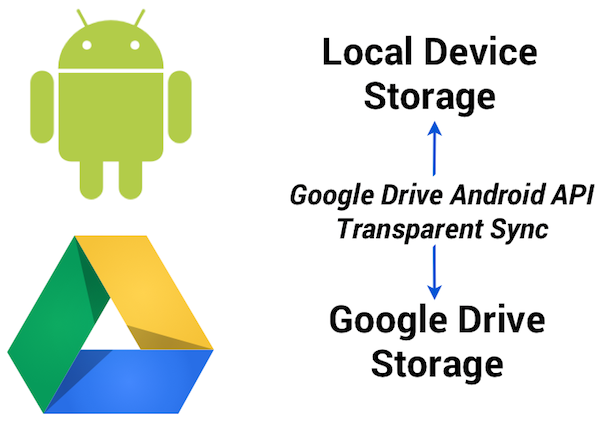
1. Transparent use and syncing of local storage
The Google Drive Android API temporarily uses a local data store in case the device is not connected to a network. So, no need to worry about failed API calls in your app because the user is offline or experiencing a network connectivity problem. Data stored locally in this fashion will automatically and transparently be stored in the Google Drive cloud by Android’s sync scheduler when connectivity is available to minimize impact on battery life, bandwidth, and other resources.
2. Designed for Android and available everywhere
The API was developed for Android and conforms to the latest Android design paradigms, such as using the new uniform client API GoogleAPIClient. And being part of the latest release of Google Play Services provides additional benefits:
- There’s minimal impact on the weight of your apps. As the client library is a stub to Google Play Services, incorporating the API has minimal impact on the size of your .apk binaries, resulting in faster downloads, fewer updates, and smaller execution footprint.
- User files are automatically synced between different devices (provided the app has the same namespace and is signed with the same key).
- Any device running the Gingerbread or later releases of Android and Google Play Services will automatically have support for the Google Drive Android API.
3. User interface components
File picker and creator user interface components are provided with this initial release of the Google Drive Android API, enabling users to select files and folders in Google Drive.
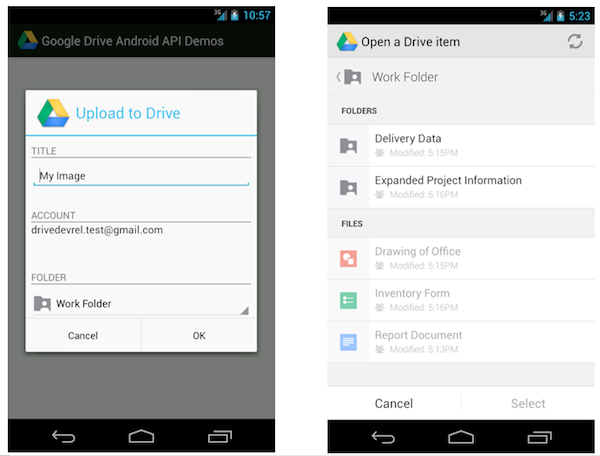
For example, the file picker is implemented as an Intent and allows you develop a native Android user experience with just a couple lines of code. This following code snippet launches the picker and allows the user to select a text file:
// Launch user interface and allow user to select file
    IntentSender i = Drive.DriveApi
        .newOpenFileActivityBuilder()
        .setMimeType(new String[] { “text/plain” })
        .build(mGoogleApiClient);
    startIntentSenderForResult(i, REQ_CODE_OPEN, null, 0, 0, 0);
The result is provided in the onActivityResult callback as usual.
4. Direct access to Drive functionality
You may be wondering how the Google Drive Android API relates to the Storage Access Framework released as part of Android 4.4 KitKat.
The Storage Access Framework is a generic client API that works with multiple storage providers, including cloud-based and local file systems. While apps can use files stored on Google Drive using this generic framework, the Google Drive API offers specialized functionality for interacting with files stored on Google Drive — including access to metadata and sharing features.
Additionally, as part of Google Play services the Google Drive APIs are supported on devices running Android 2.3 Gingerbread and above.
How to get started
As you incorporate the Google Drive Android API into your apps, we hope it makes your life a little bit easier, and enables you to create fun, powerful apps that take advantage of all that Android and Google Drive can do together.
For more information visit our documentation or explore our API demo and other sample applications on the official Google Drive GitHub repository.
Also check out the official launch video:
Let’s keep the discussions going on +GoogleDrive, and Stack Overflow (google-drive-sdk).
Magnus Hyttsten is a Developer Advocate on the Google Drive team. Beyond work, he enjoys trying out new technologies, thinking about product strategies, and exploring California.
Posted by Scott Knaster, Editor
Cross posted on the Google Developers Blog.

Introducing JavaScript Support for the Drive API
Did you know you can write a complete Google Drive App with JavaScript that runs completely in the web browser? You can! Your browser-based application, including Chrome extensions, can take advantage of our client library, or just use CORS requests to the API.
Your app can support all the functionality of the Drive API, including uploading files, downloading files, tracking changes, listing files and managing revisions. Also you can take advantage of our user interface components that make opening and sharing files easy.
We are really keen to offer first-class support to browser-based applications, so we have added JavaScript snippets to all our API reference documentation. Please let us know how we are doing by posting to Stack Overflow.
Want to try it out? Check out our Javascript Quickstart Guide, which helps you get your application up and running in five minutes or so.
 | Ali Afshar profile | twitter Tech Lead, Google Drive Developer Relations. As an eternal open source advocate, he contributes to a number of open source applications, and is the author of the PIDA Python IDE. Once an intensive care physician, he has a special interest in all aspects of technology for healthcare |
Tuesday, March 3, 2015
Effective corporate IT training Bursting the e learning bubble
"In the more than half a decade of e-learning availability, one thing has become clear: the Internet is not a good platform for teaching complex technical topics. "
- 57% of respondents to one study described their e-learning experience as "frustrating, lonely, and stressful;"
- The best e-learning environment (which includes audio and visual techniques) yields only about 40% retention of the material covered;
- Humans, by nature, learn best through social interaction - a critical element removed by e-learning;
- Much of e-learning course material is simply live lecture material posted to the Internet, resulting in a poor learning experience in which crucial context is removed because there is no human instructor to impart it."
"As the overall online experience becomes richer and more varied with each technological advance, the debate over live training versus e-learning will continue. But at the end of the day, IT training is all about developing competency, not just completing a course or achieving certification. For any IT training participant to achieve true competency and confidence in the skills they are learning, they must take part in a program that provides extensive, hands-on lab exercises where they can practice and hone their newly-developed skills, enabling them to put these skills to immediate use upon return to the workplace. Until the day arrives that e-learning provides an equally rich, personally-interactive experience, the ability to gain true competence in IT training will remain firmly entrenched in the classroom."
Was The DNA of a 21st Century Educator Plagiarised in China

- Scribd
- SlideShare
DISCOVERY
The last time I looked in a mirror, I certainly didnt look like that! However, the DNA slide looks familiar. Oops, it looks like a slide from my DNA of a 21st Century Educator (Version 2) presentation. Awesome! Someone in China has translated my slide, and is sharing it with a group of local and international educators attending a conference (or seminar) exploring the future of education at the Luoyang International School (17 Oct, 2012). Here is another picture that reveals a bit more about this event:
So, whats the problem here?
THE STORY
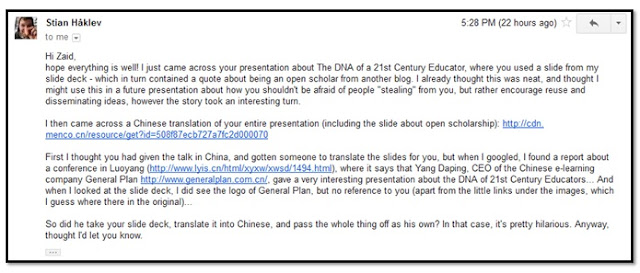
- Chinese Translation of my presentation
- Report about the conference (Luoyang International School)
- Company: General Plan
WOW! Thanks, Stian for sharing this Pretty Hilarious news with a CSI kind of reporting of the event. Initially, I thought this whole thing was really cool, and I was kind of thrilled that someone would actually go to such lengths to reuse and translate slides that originated from me (WOW, the slides must be really good!).
THE CASE
Since, the Chinese version was presented on the 17 October (2012), we can presume based on existing evidence that I am more likely the author.
SLIDE-BY-SLIDE
Here we go:
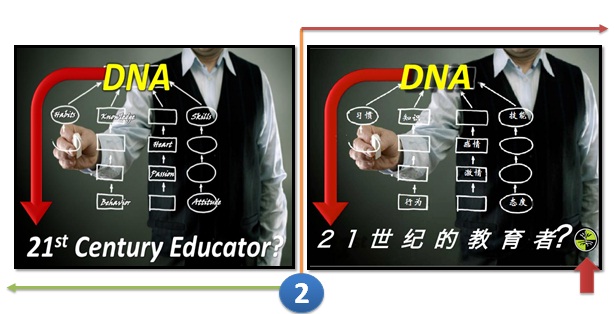
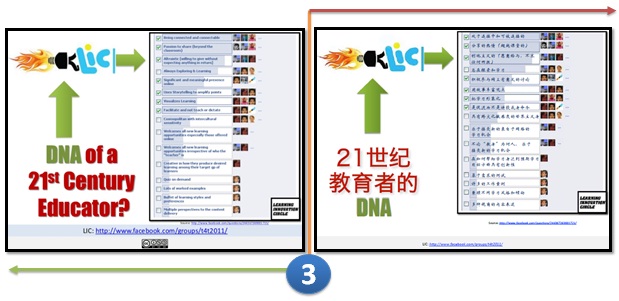
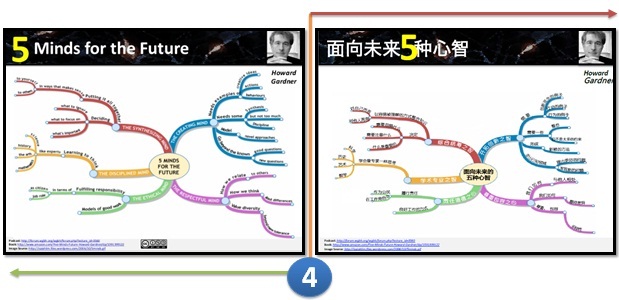
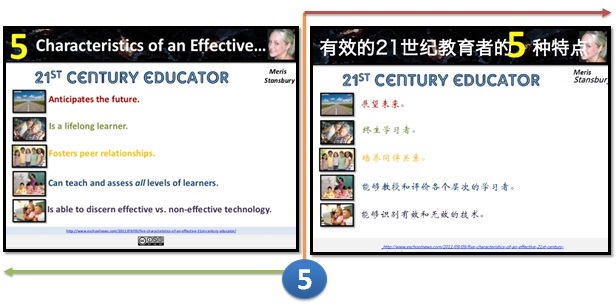
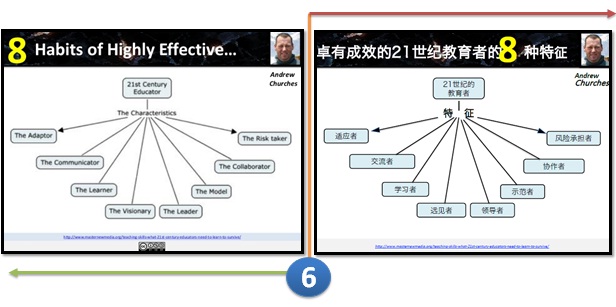
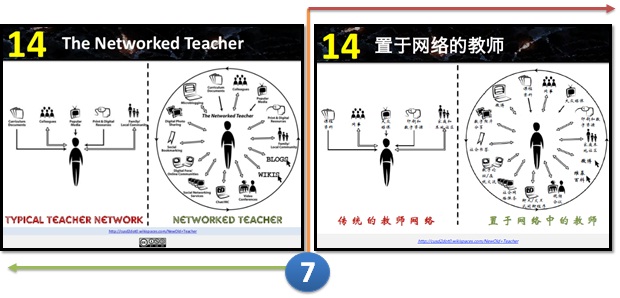
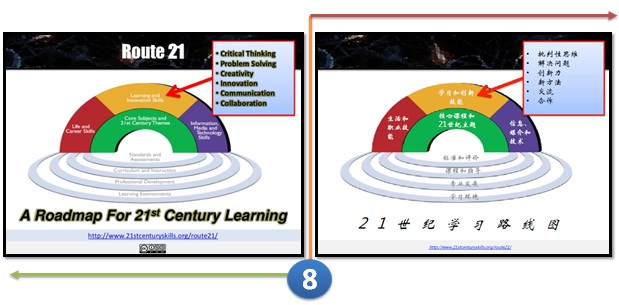
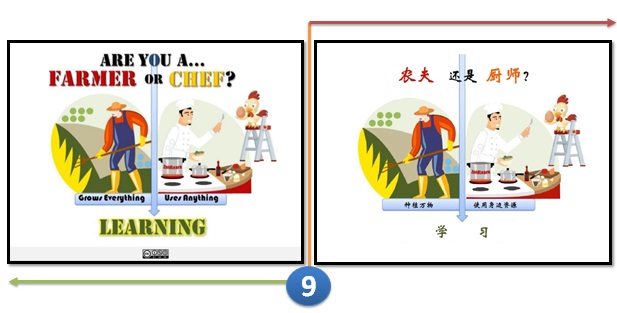
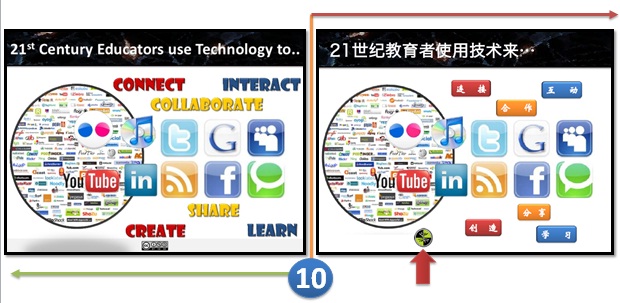
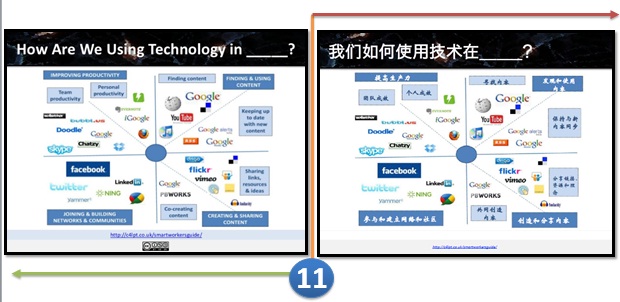
Jane Hart, congratulations for getting your slide translated!
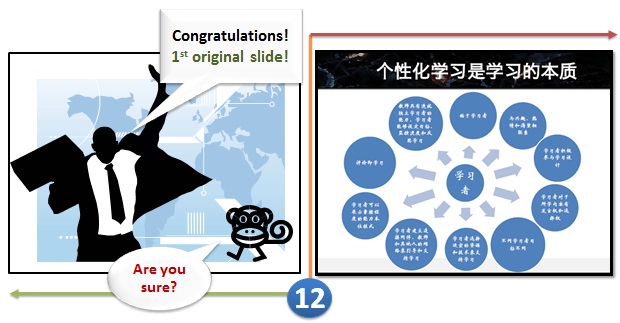
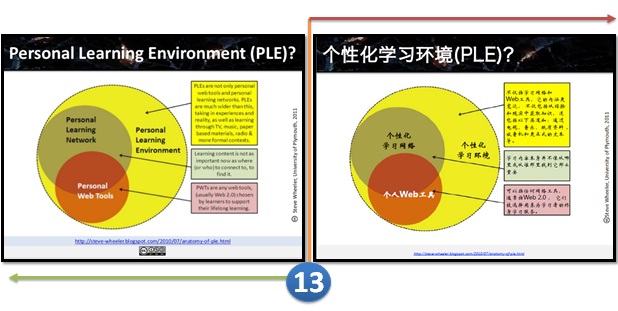
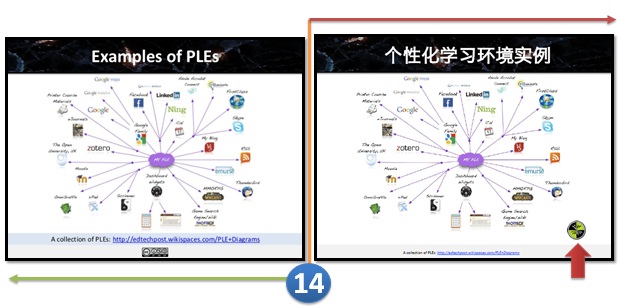
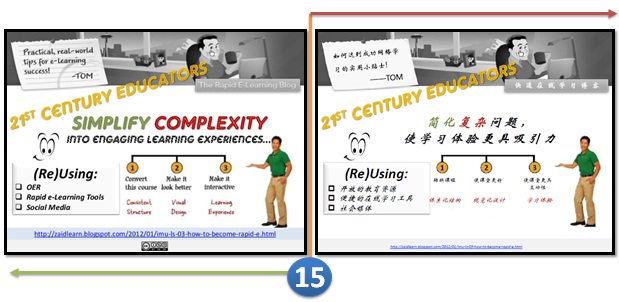
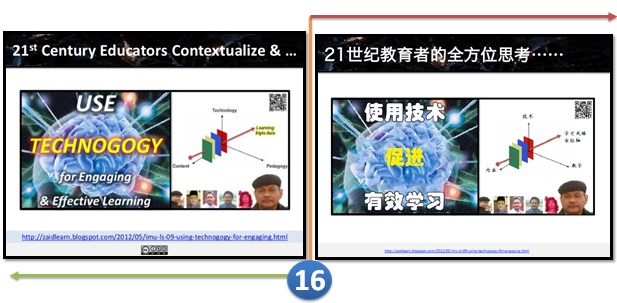
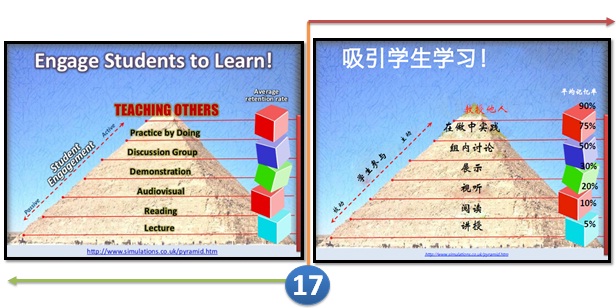
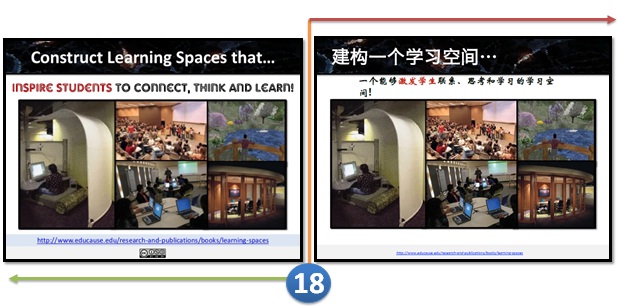
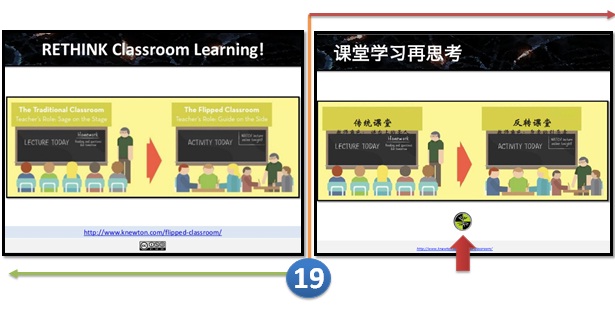
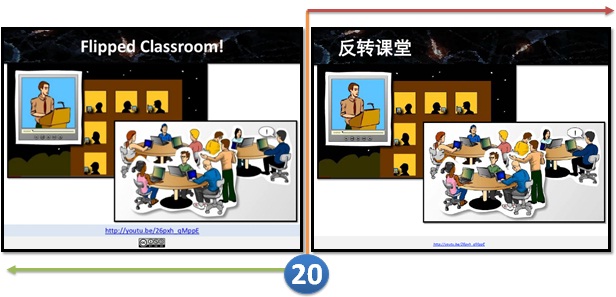
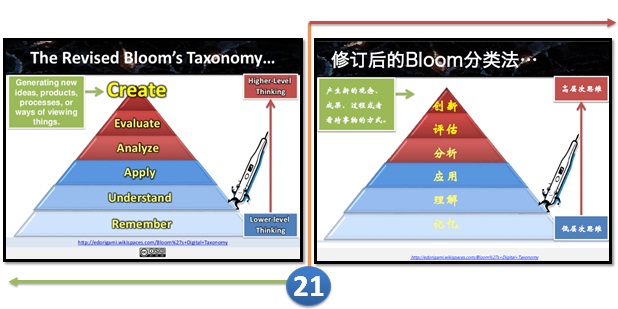
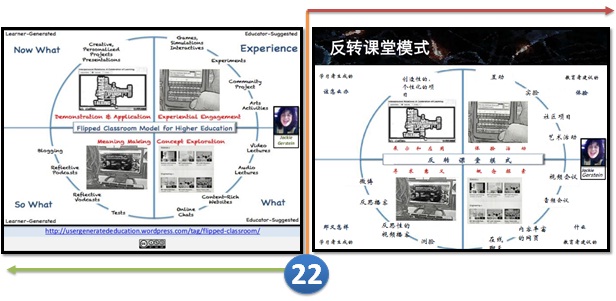
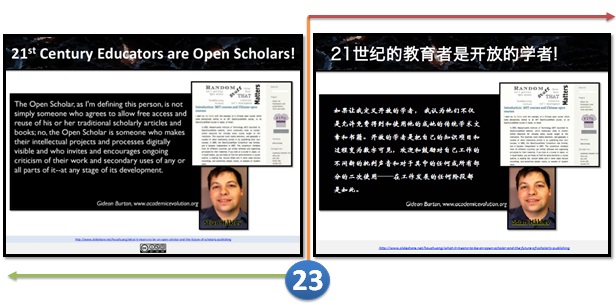
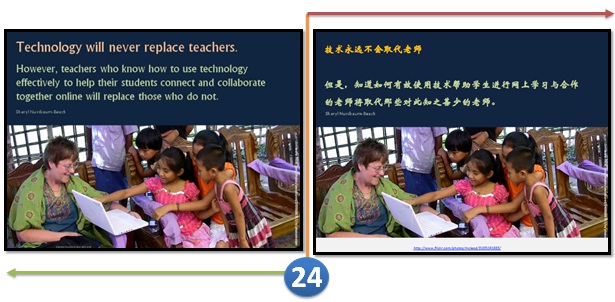
No comment!
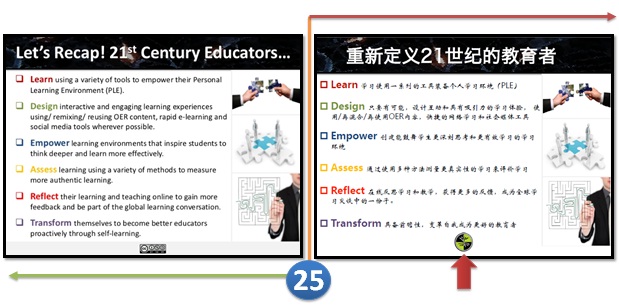
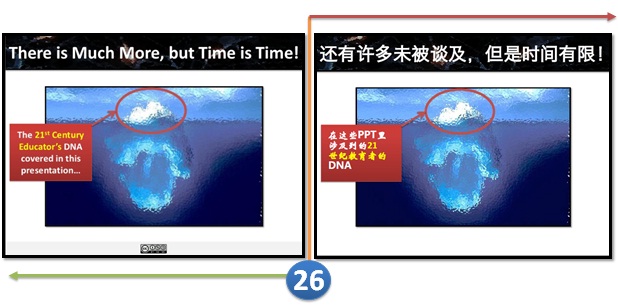
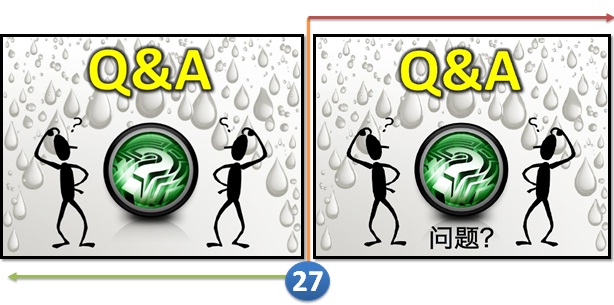
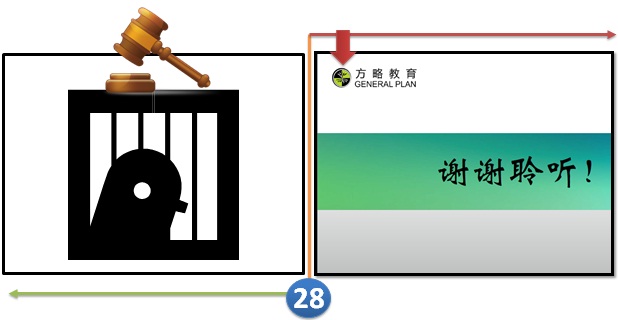
Is this a case of Plagiarism? Please share your views.
MY CASE VERDICT
More importantly, didnt you realize that this presentation has been published under a Creative Commons license (Attribution - NonCommercial - ShareAlike or CC BY-NC-SA) empowering anyone for free to reuse and remix for non-commercial reasons with attribution. Most of my learning articles, presentations and artifacts since 2008 have been published with such a license, and hundreds of educators around the world have been reusing or remixing them as they like (with attribution), and that is one major reason why I love to share.
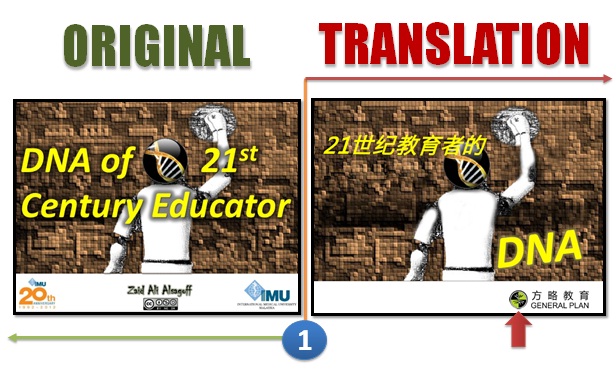
However, when a person representing a corporate e-Learning company (General Plan) literally takes my presentation (or 26 slides from it), and presents it at a conference (translated version) without giving any credit (at least on the slides). And then has the cheekiness to put his company logo, and even delete the Creative Commons license from all the 26 slides translated, is something that I find really unacceptable.
It might be flattery (to some), but it is also totally against any principles of professionalism (that I know of).
The best way (in my opinion) to deal with people with such integrity and professionalism is to expose them to the world and remind others that doing such things are not worth the risk.
Monday, March 2, 2015
The Best Quick Reference Guides to Web 2 0 on the Planet Period!

THE STORY!
QUICK REFERENCE GUIDES
- JiT2U - Mobile Version to Learning Web 2.0
- Web 2.0 Presentation Tools: A Quick Guide
- Web 2.0 Content Creation Tools
- Web 2.0 Research Tools
- Web 2.0 Survey & Polling Tools
- Web 2.0 Sharing Tools
- Web 2.0 Collaboration Tools
- Web 2.0 Social Networking Tools
- Web 2.0 Tools in Education
- Web 2.0 e-Publishing Tools
- Web 2.0 Annotation & Bookmarking Tools
- Web 2.0 Mindmapping & Brainstorming Tools
- 40 Must-know Web 2.0 Edutools
- Web 2.0 Interactive Tools: A Quick Guide
- More...
RESULTS?
Friday, February 27, 2015
The Vanishing Art of Lecturing Prof K Ramnarayan

PURPOSE OF A LECTURE?
- Inspire
- Influence
- Inform
To cut the story short, lets enjoy and reflect this amazing and inspiring lecture below, chunked into three (3) parts:
PART I
PART II
PART III
To summarize in his own words, lectures should be:
Lively
Educative
Creative
Thought (provoking)
Understandable
Relevant
Enjoyable
Lets scrutinize and reflect his lecture a couple of times (or more), and then ask ourselves, "How can I be more inspiring uncovering what I am covering in a more exciting manner..."
Click here, to discover and enjoy IMUs inspiring e-Learning stream on Facebook :)

Keyboard Shortcut to Alight Your Text on the Right!
This one is also for Microsoft Word and PowerPoint, though you should definitely try it in other programs as well... it just might work!

Try it out and let me know how you like it!
Wednesday, February 25, 2015
How to Load the Full Version of a Website on your iPad Smartphone!
Unfortunately, theres no magic setting to switch the iPad back to the way it was before the update, but there are lots of ways you can load the full version of a website on your iPad!

Heres the poll for those of you keeping track! And, for those of you who havent been able to vote from your iPad/smartphone, do this tutorial now to load the poll so you can vote for next week! :)

There are three different options that you can use to load the full version of the site... and here they are!


Wednesday, February 18, 2015
C program to produce the folowing design using s

#include<stdio.h>
#include<conio.h>
void main()
{
int i,j,n;
char ch=A;
clrscr(); //to clear the screen
printf("How many lines?");
scanf("%d",&n);
for(i=0;i<n;++i)
{
for(j=0;j<=i;++j)
printf("%c",ch+j);
printf("
");
}
getch(); //to stop the screen
}
Tuesday, February 17, 2015
The Top 4 Websites to Create Android Apps Online for Free

In this article I am sharing the 4 best websites that allows the facility to create genuine android apps without any programming knowledge. You can create your own app online using your browser for absolutely free. There is no need of any android development tool.
Also Read: Top 5 Cheapest Android Tablets below Rs. 5000 in India in 2013
Also Read: 4 Best Tips to Clean Your Touch Screen Device
AppsGeyser
AppsGeyser comes at first in this list. It is free web platform that allows you to create android app in easy steps. There is no need to code or even know how it works.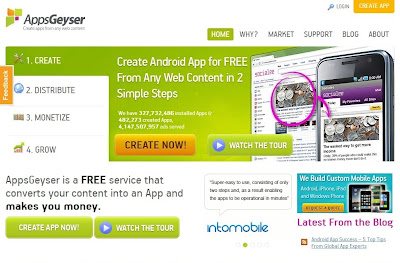
Andromo
With Andromo, anyone can make a professional android app. There is no programming required. Andromo generates 100% genuine android apps. They are faster, more efficient, better looking and more reliable than apps made with any other app development tool.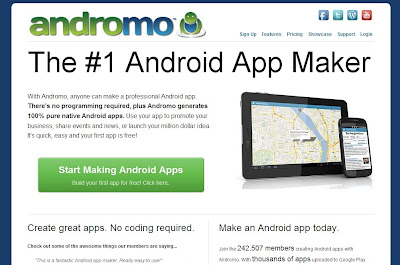
App.Yet
Using App.Yet, you can easily create a professional Android app. It is simple, easy and reliable. It will only take few minutes to build your own app.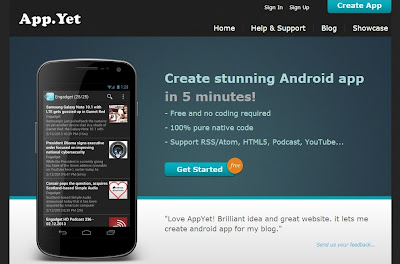
Also Read: C4droid: Download Free C/C++ Compiler for Android Platform
Also Read: Top 8 Free Alternatives to Paid Softwares
App Maker
It allows you to create your own android apps for free with easy-to-use builder. You can create your own applications online with your web browser. No special android development SDK software is required.
I have created this list on my own knowledge and by doing research on the internet. There are lots of other websites better then these. So try them, build your app and share your experience.
Source: http://www.shoutmeloud.com/5-sites-to-create-your-own-android-apps-for-free.html